Ask Sidekick about your pickup points – and change them from the chat
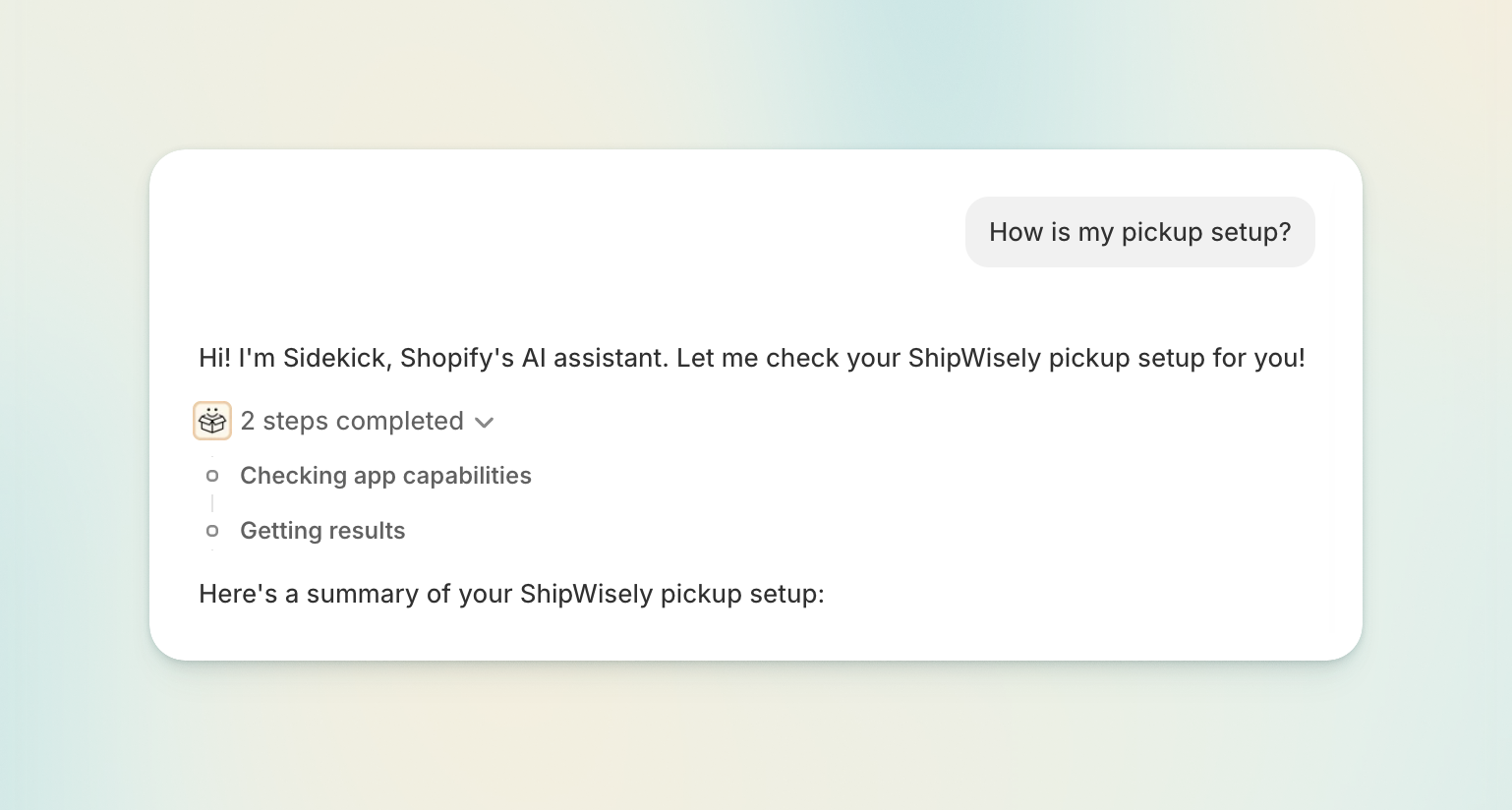
Sidekick, the AI assistant built into your Shopify admin, now knows your ShipWisely pickup setup.
Ask it which pickup carriers you have live, why a pickup point option isn't appearing at checkout, or which locker an order is headed to — it answers from ShipWisely's own data, in the chat, on whatever page you happen to be on. No tab switching, no digging through settings to figure out how they’re set up.
What Sidekick can answer now
"How is my pickup setup?" — which pickup carriers are live, the countries they cover, how many locations are configured, and whether setup is finished.
"Which pickup carriers deliver to Finland?" (or "Which countries does Venipak's locker network cover?") — answered from ShipWisely's pickup carrier catalogue.
"Why isn't a pickup option showing at checkout?" — Sidekick walks the checks and names the one that failed.
"What's configured for DPD pickup?" — the pickup settings behind a single carrier.
"Where is order #1337 being picked up?" — the pickup point on an order, or whether it's still waiting for the customer to choose one.
"Find a locker near this address" — search pickup points by name, address, or ID, limited to the pickup carriers you have enabled.
"How many pickup orders have I used this month?" — your ShipWisely plan usage for the current cycle.
Change a pickup point without leaving the conversation
Ask Sidekick to change the pickup point on an order, and the picker opens right there in the chat. Search, pick the new point, and press Save.
Available in 27 languages, matching your Shopify admin language.
Fixed: the picker now offers only the carriers you actually use
The pickup point picker used to offer every carrier you had ever configured — including carriers left over from a setup you'd since moved off. That made it possible to send a parcel to a locker of a carrier you no longer have a contract with.
It now offers the carriers on your current setup only. You can no longer move an order onto a carrier you've stopped using — including older orders that were sold under it.
Also improved
Faster pickup search on the order page.
Clearer wording. Your configured destinations are called locations everywhere now, including in Sidekick's answers, matching what the rest of the app has always called them.